Vercel Plugin now in VS Code and GitHub Copilot CLI
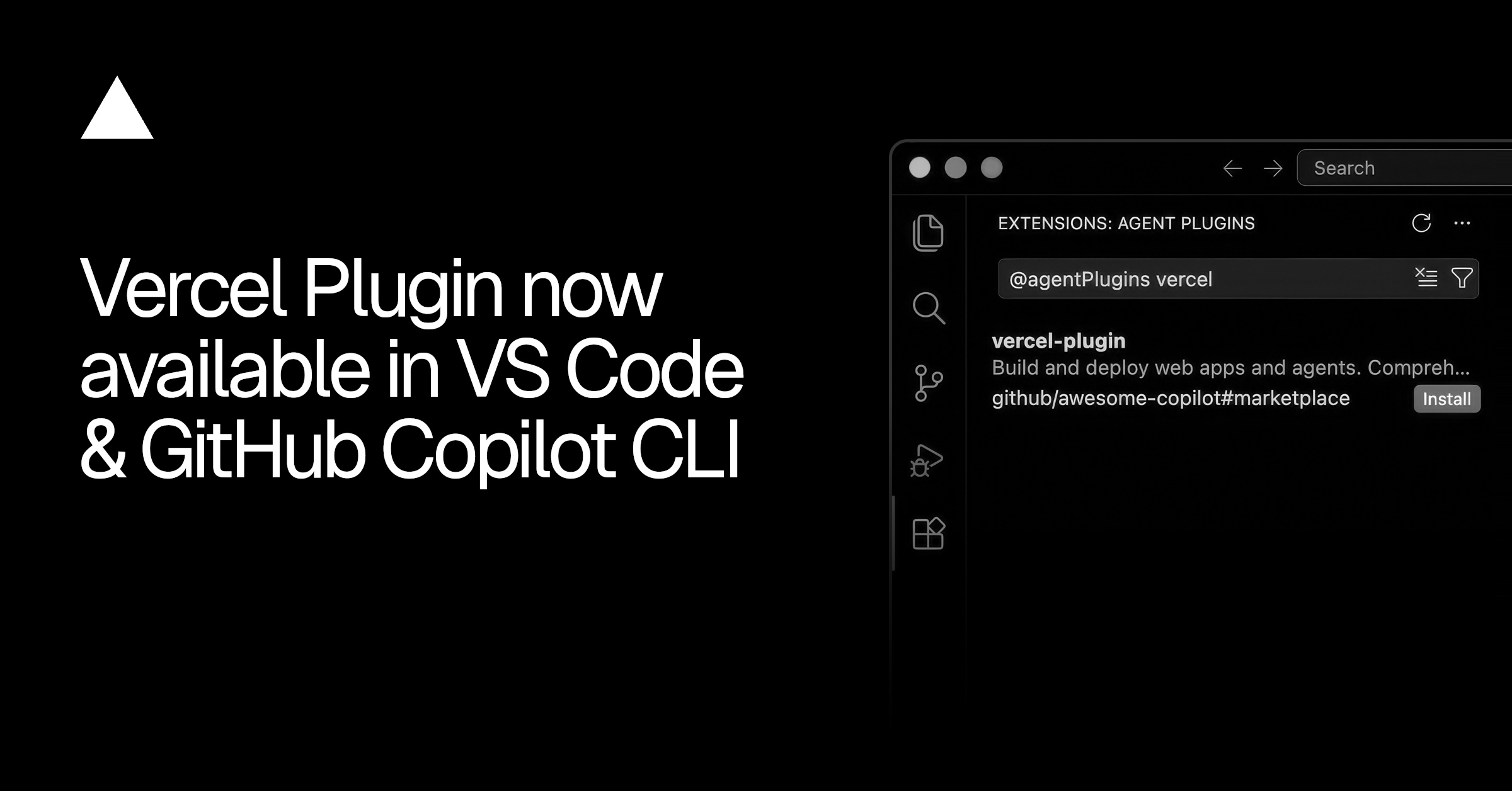
Vercel has launched an official plugin for both VS Code and the GitHub Copilot CLI. This expands development capabilities through smoother integration, streamlining work on Vercel projects.
What happened?
Vercel has announced the launch of an official plugin, available for Visual Studio Code (VS Code) and as part of the GitHub Copilot CLI. The plugin aims to deliver a more integrated and efficient development experience for Vercel users directly within their preferred environments. The release improves interaction with Vercel's platform and simplifies developer workflows.
Key facts
| Produkt | Vercel Plugin |
|---|---|
| Lansering | VS Code, GitHub Copilot CLI |
| Kategori | Utvecklingsverktyg |
| Tillgänglighet | Globalt |
”Vercel Plugin now available in VS Code and GitHub Copilot CLI.”
Why it matters
Integrating directly into VS Code and the GitHub Copilot CLI addresses the need for faster and more contextual access to Vercel's features. This reduces the need to switch between different tools and applications, potentially increasing productivity. The enhancement is part of Vercel's strategy to make the development and deployment of web applications more frictionless.
Who is affected?
Primarily developers using Vercel to build and deploy web applications. Specifically, those working with VS Code as their primary code editor and those utilising the GitHub Copilot CLI for their workflows. Teams striving to optimise their development processes are also positively affected.
Impact on the EU
The plugin is available globally, including for users within the EU. As it is a tool for development environments, it has no direct bearing on specific EU regulations such as GDPR or the AI Act. Its use falls within existing frameworks for software development and cloud services.
What else you should know
The plugin is primarily designed to enhance the developer experience and offers functionality that complements Vercel's existing platform. Details regarding specific commands and features can be found in Vercel's official documentation.
Quick answers about this story
Vad har hänt?
När hände det?
Varför spelar det roll?
Vilka användare påverkas?
The link opens in a new window and leads to the publisher's own site.
Källan har spårats automatiskt från utgivaren via Aheadlines signalkedja.
Get similar news straight to your inbox
The reader's room
Send in a question or an addition. The newsroom reads everything before it's published and replies when relevant. No AI-generated text – just people.
Sign in to submit a comment or question.
Read the article through your role
- Assess technical risk: model choice, vendor lock-in, data flow and running cost.
- Update the architecture doc if new APIs or regulations touch production.
- Ensure observability + rollback plan before rolling out to production.
Generated angle — not editorial analysis of "Vercel Plugin now in VS Code and GitHub Copilot CLI"